Time off & approvals
Time off (PTO) in OpsPing is tied to on-call from the start: you file a request, a team lead or admin approves it with the on-call impact in view, and approved time off automatically drops you out of rotation coverage. Requests are filed from the mobile app or the API and reviewed in the admin console's Time Off page.
- The mobile app (Out of Office tab) or the API to file requests; the admin console's Time Off page to review them.
- A workspace admin or team lead to approve — requesters never approve their own time off.
-
File a request
In the mobile app, open Out of Office, pick a start date and an end date (the end must be after the start), add an optional reason, and tap Request Time Off. The request starts pending and goes to your team lead for approval. Over the API:
curl -X POST https://api.opsping.com/v2/pto-requests \ -H "Authorization: Bearer $TOKEN" -H "Content-Type: application/json" \ -d '{"startDate":"2026-12-24","endDate":"2026-12-26","reason":"Holiday"}'startDateandendDateare required; an optionalreasonis shown to approvers. See the API reference. -
Approve or deny
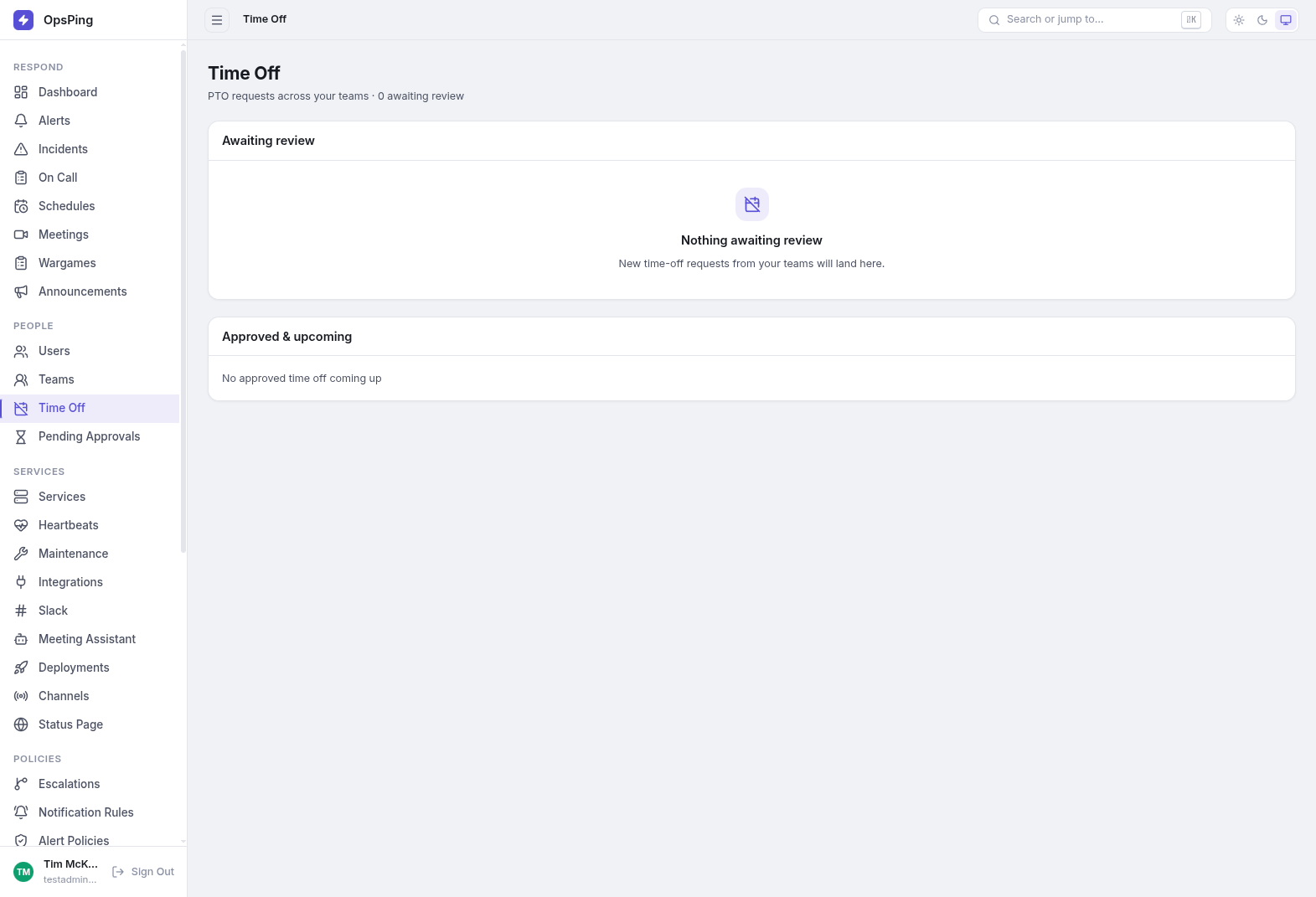
In the admin console, open Time Off (sidebar, People section): "PTO requests across your teams · N awaiting review". The Awaiting review list shows each request's dates, day count, reason and requested time with Approve and Deny actions (denial asks for confirmation). Workspace admins can decide any request; team leads decide requests from members of their teams. Every create, approval, denial and cancellation is written to the audit log, and the sidebar's pending badge plus the lists update live.
-
Cancel a request
Only the requester can cancel, and only while the request is still pending — approved and denied requests stay on record for the audit trail. In the mobile app, your own pending requests show a Cancel request action after a confirmation prompt.
-
On-call impact, before and after approval
Each pending request shows its coverage impact: No on-call overlap (the requester isn't scheduled on any rotation in the window) or Overlaps N on-call shifts listing the schedule and who is the scheduled responder. Approve & suggest override… approves and pre-fills the request window on the conflicting schedule's override form — you pick who covers. Under Approved & upcoming, the Coverage column reads Arranged — override: <name>, None yet (with a Create override… button), or No on-call overlap.
Once a request is approved, rotation math skips that person automatically: the next participant in rotation order takes the slot, and if every participant is out the slot becomes a coverage gap. Pending, denied and cancelled requests never affect schedules. A forwarding rule without its own time window engages only during approved time off, forwarding pages to your chosen target.
TipDon't rely on rotation skip alone for critical rotations — approve with the suggested override, or set up forwarding, so a named responder owns the page while you're away.
The Pending Approvals page and Settings → Approval Policies are a different feature: approval gates for outbound messages (status page updates, stakeholder notifications, maintenance announcements). Time-off approval isn't policy-configurable — its authority is fixed to workspace admins and the requester's team leads.